































About
Over the years since inception of eSmartsoft in 1993 at Kuwait, we were always True to our vision and mission deliver and accumulate best practices in development solutions of Enterprise Resources Planning (ERP), Business Collaboration, Team Management and Business Intellegence (BI)
Smart-Book
One of our products, the digital transformation in the education sector prepares the environments and the parties to the educational process (university, student, and professor) by implementing positive practices so that the education process is upgraded, and outputs are achieved represented by a creative and distinguished student in academic and non-academic achievement, and it enhances cooperation and partnership between the teacher and the student and stimulates innovation among students
An interactive e-book that contains a set of multimedia (text, sounds, images, graphics, video clips) and is also secured to preserve the intellectual property of the author and consists of several three-dimensional pages that the student can flip and review in a manner similar to a paper bookbr Smart-eBook Components (Smart-eBook-Author, Smart-eBook-Reader, Smart-eBook-Publisher)
Happy Clients Throughout our long journey
Projects Serving the field of education and other fields
Products Serving the field of education and other fields
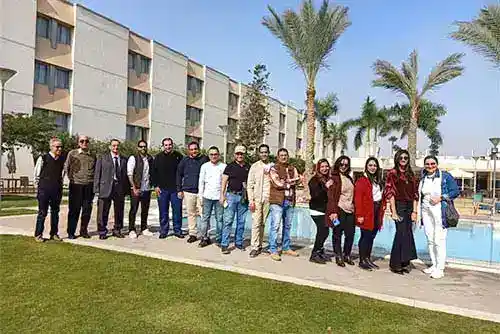
Employees with different skills and talents
Diversity
Our team of diverse professionals will always give their full support and go the extra mile to deliver exceptional results across all domains.

Innovation
We value the notion of customized innovation to produce highly acclaimed and one of a kind award-winning projects.

Trustworthy
We foster building trust and long-term relationships through positive feedback and experiences.

Intelligence
A team of intelligent problem-solvers ready to provide powerful yet simple solutions to complex business cases.

Excellence
We take ownership and deep dive into every project to deliver excellence to help you innovate for growth.

Accountability
Each of us is responsible for our words, our actions, and our results.


Our Vision
Becoming a worldwide leader in Readymade Development & Implementation of State-of-the-art Education Digital-Transformation Solutions.

Our Mission
Keeping our customers in the driving Seat. Recruitment and retaining the best Technical and Managerial resources. Continuous Development, Packaging, and Implementation of our Readymade Digital Workplace Solution, the Smart-University-Workplace.

Our Objective
Over the years we were always True to our vision and mission, hereafter is a list of our Main achievements.
Products
Discover our products

Smart Education (SE)
Smart-Education is fully integrated with the other three product suites, Smart-ERP, Smart-Collaboration, and Smart-BI...

Smart Collaboration (SC)
The smart-Collaboration objective is to satisfy the accelerated needs of medium and large business enterprises in the automation of ...

Smart ERP (SERP)
Smart-ERP is an end-to-end enterprise solution that automates main business functions and integrates them with other systems...
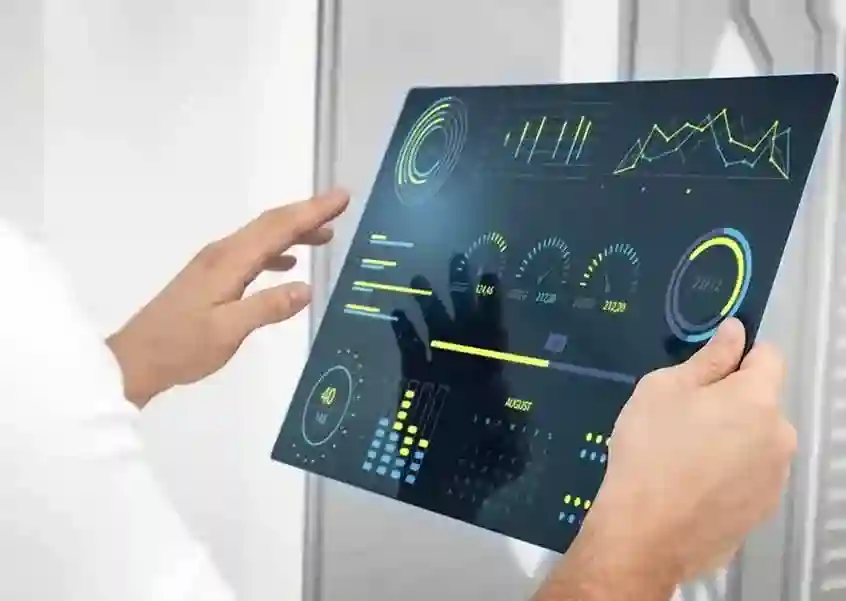
Smart BI (SBI)
Smart-BI is a window on Business-data at the fingertips of Decision-Makers and Middle-Management...
We are ready
eSmartSoft are ready any time to share with you Knowledge and long experience wherever you are.
Board
We believe that technology can only yield its best at the hands of the best men, hence we are availing ourselves of the Finest brains in the Software industry, we are proud to have on our list of consultants a few of the best industry/ technology and business consultants headed by:
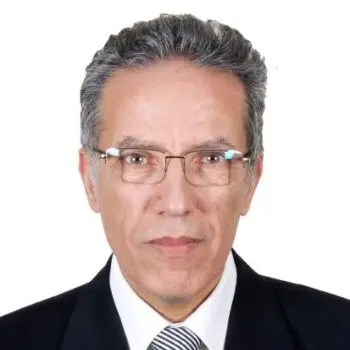
Mahmoud Kassem
Chairman, CEO
Eng. Mahmoud is the founder, chairman and CEO of eSmartSoft, he is a Management Consultant, Business Intelligence, e-business, and IT advisor, with more than forty years of progressive experience spanning most of the software industry technical, managerial, and sales specialties. Before starting eSmartSoft he was a business consultant with NCR Corporation Egypt branch. Over the years of his long experience, he participated in the sales, management, and implementation of quite a few National-Scale-IT projects in Egypt, Kuwait and Saudi.
Amir Ghali
Board Member and Chief Sales Consultant
Mr. Ghali is a board member of eSmartsoft, he has a successful record of direct sales and territory management in multinational operations for more than twenty years in addition to Effective Business Management Experience with innovative business planning and cost effective implementation and Solution Management experience through the development and implementation of marketing programs leading to market share gain, currently and since the beginning of operation of eSmartsoft he is the sales and marketing coach.

Mohamed Kassem
Board Member, Founder and Chief Business Consultant
Mr. Kassem is a founder and board member of eSmartsoft, he is an entrepreneur, economist and a business advisor, started his carrier in public services 1973 and retired as a commercial Counselor 1989, Mohamed is now member of many NGOs and advisor to many associations he is on the board of many organizations and is the chairman & CEO of the World-Trade-Company-Egypt the market leader in readymade garment export.
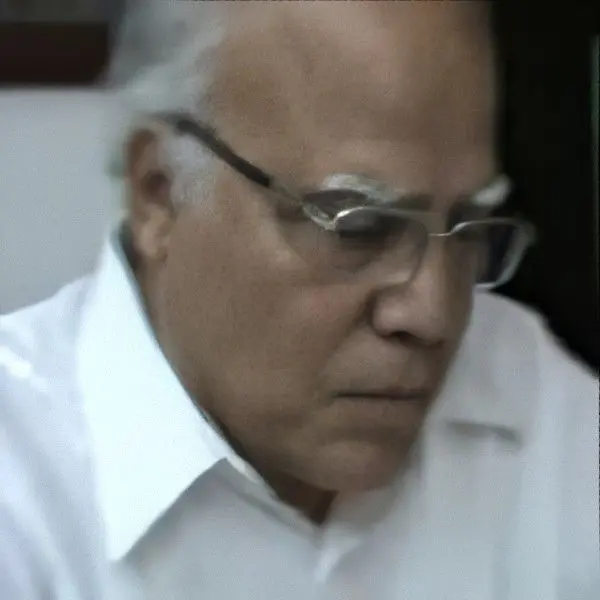
Fatin Faheem Mahmoud, PhD
Board Member and Chief Technical Consultant
Dr. Mahmoud is a member of esmartsoft board of directors, he is a system engineering consultant for national, regional, and international organizations such as UNDP, ILO, WHO, ALESCO, Center of Arab Unity studies, and EBO, currently he is an emeritus professor of system engineering and computational mechanics in Zagazig University, he was a visiting professor in Pennsylvania state university, West Virginia State university, Wisconsin university, and Kuwait Universities. He has more than 100 research paper in well recognized international and national refereed Journals.
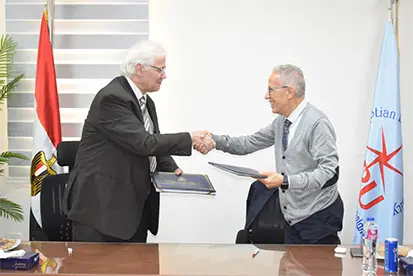
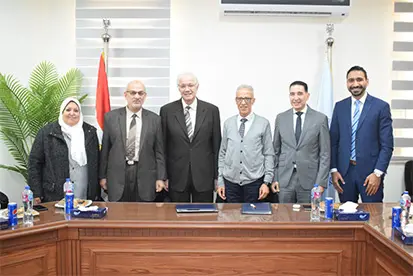
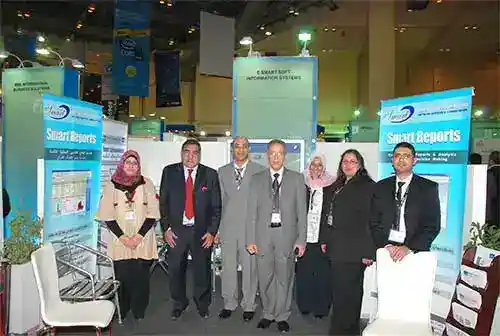
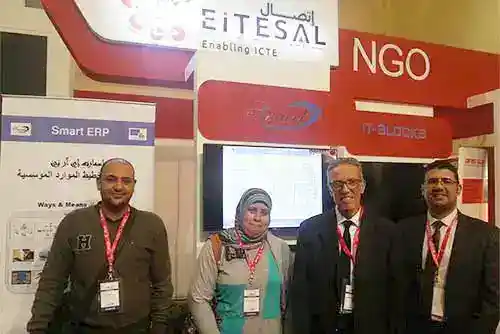
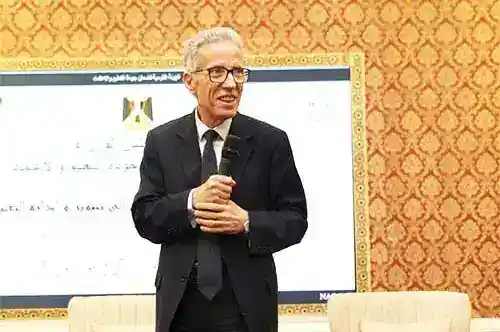
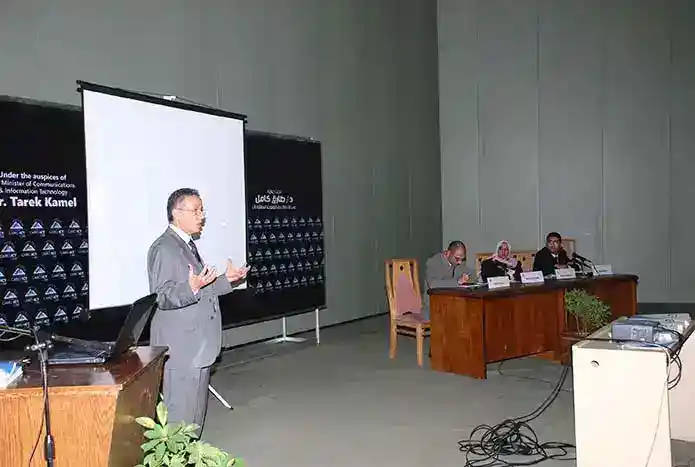
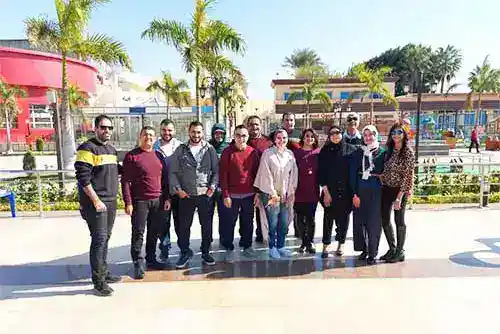
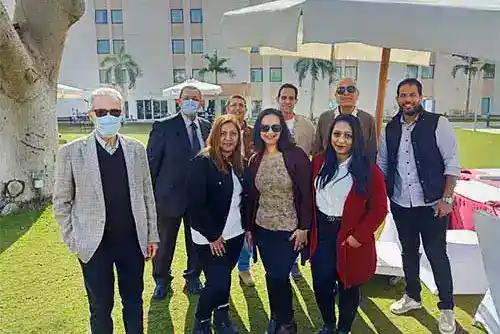
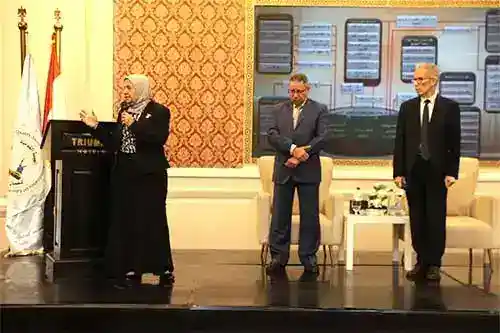
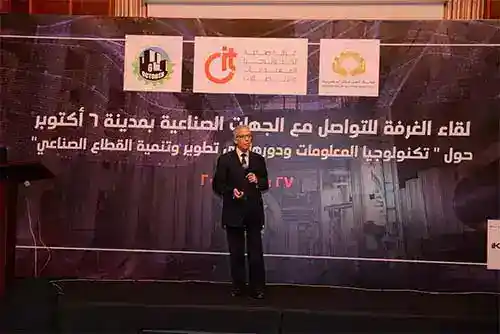
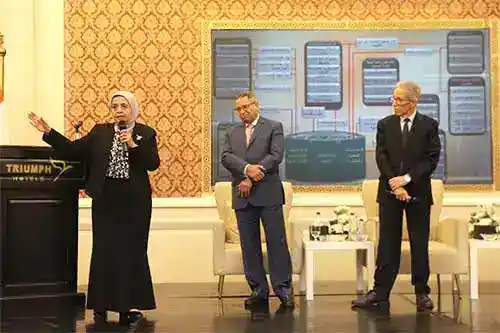
Events
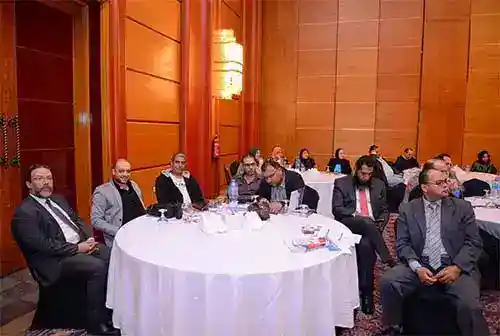
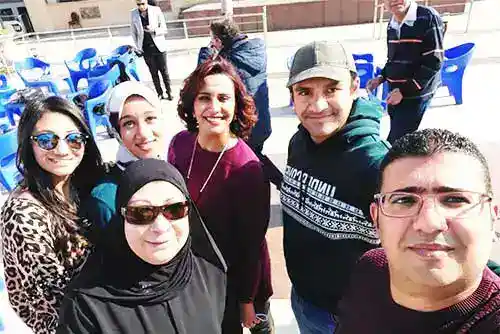
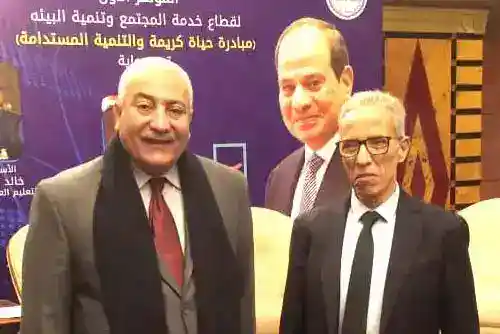
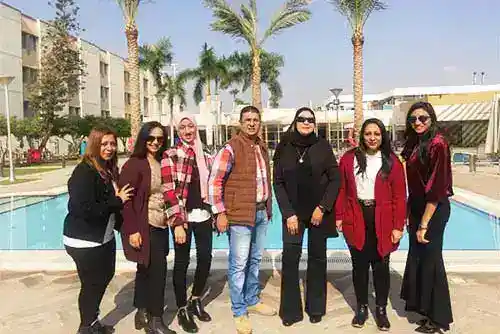
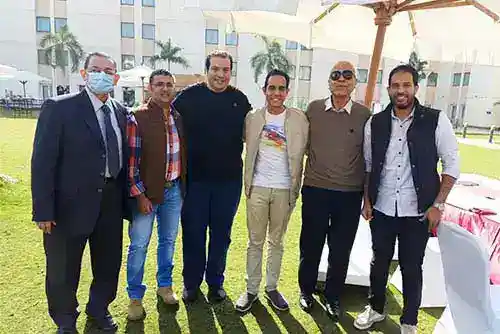
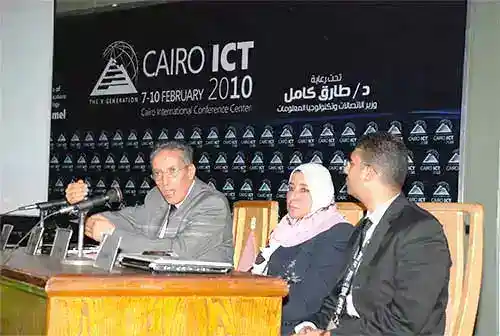
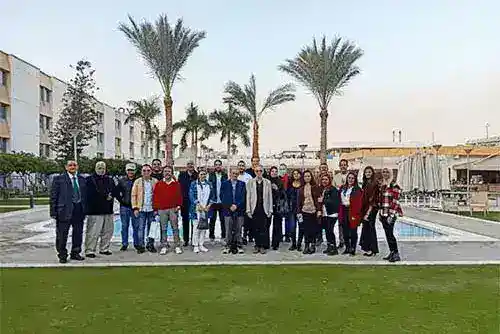
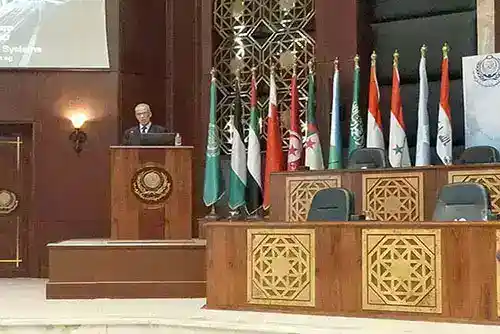
Our latest events
- All
- 2010
- 2015
- 2016
- 2018
- 2020
- 2022
- 2023
Contact
Keep in touch
Our Address
15 Ahmed Faheem Bayoumy, Triumph, Cairo
Email Us
info@esmartsoft.com.eg
Call Us
+2 02 22915031